
 Image 1 of 1
- Next intake
- Enrolments close Wed 30 Dec
- Length
- 11 weeksAbout 6 to 8 hours a week
- Mentoring
- Unlimited, one to oneWith Sai Constantine
- Project
- A real clientFrom week 1, tied to GA4 goals
- Assessed by
- A client pitchPlus a 200-question online exam
- After week 11
- A real internshipAnd post-graduation support
Enrol in CAUXPDE
Choose your intake, then enrol above.
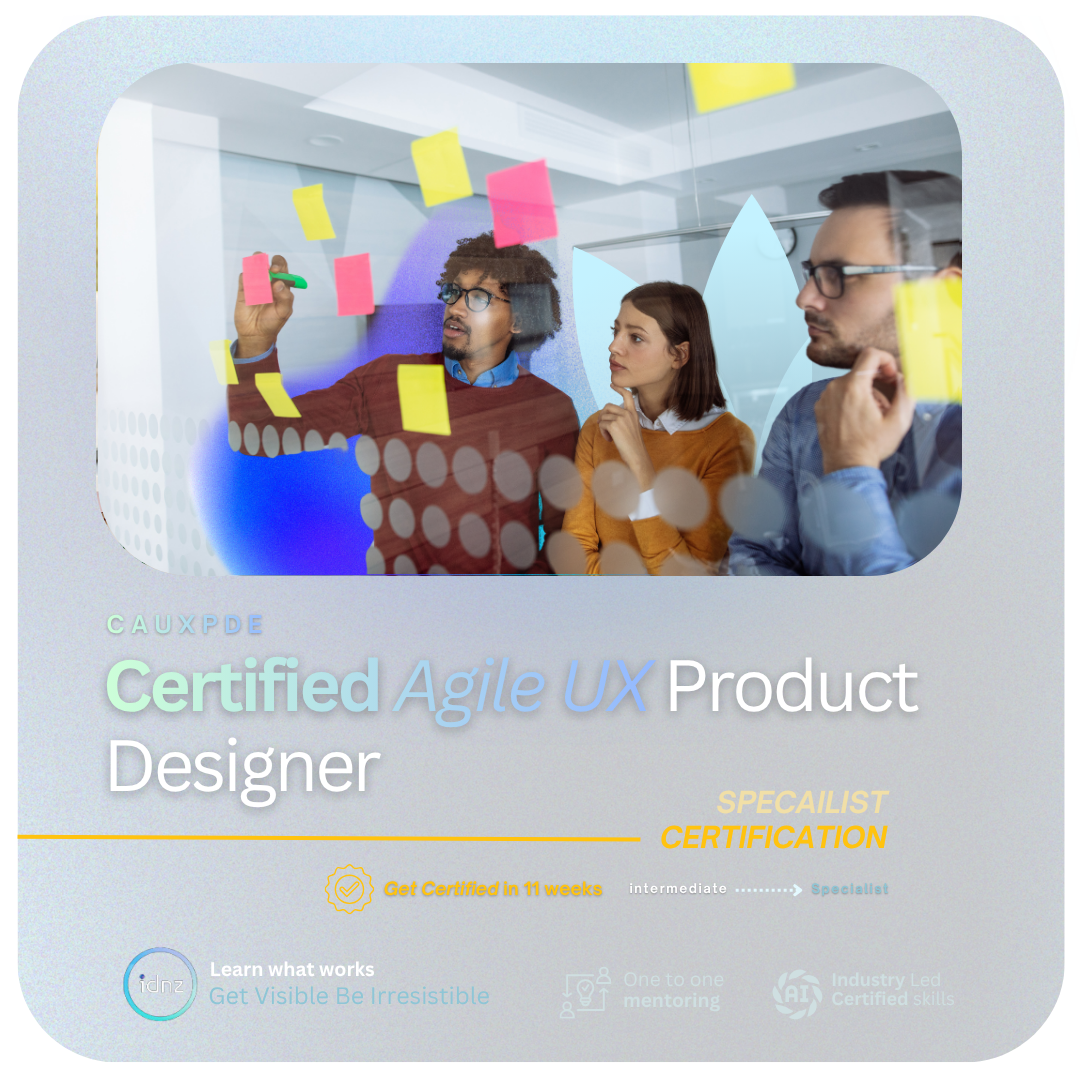
The Certified Agile UX Product Design Expert (CAUXPDE) is an 11-week online course for designers moving into UX or stepping up to product design. You design for a real client from week 1, with unlimited one-to-one mentoring, and every design decision is tied back to the business goals and user metrics you set in Google Analytics 4.
$4,789 + GST
$5,507.35 incl. GST
Enrolments close . Week 11 ends , then your internship.
$4,789 + GST
$5,507.35 incl. GST
Enrolments close . Week 11 ends , then your internship.
$4,789 + GST
$5,507.35 incl. GST
Enrolments close . Week 11 ends , then your internship.
Paying: online by card when you enrol, or by invoice to you or your employer (godigital@id.ac.nz). Eligible New Zealand businesses can get up to 50% back through the MCDF. The price is locked in for 2026 and 2027. All prices exclude GST unless shown.
The 11 modules
One module a week, on your client project.
- AI-Driven UI, Design Systems and Accessibility
- Agile UX Project Management
- Stakeholder Management in the UX Process
- Design Thinking with AI and UX Sprints
- Product Discovery and User Research
- MVP Prototyping with Figma and AI
- Usability Testing and Iteration
- Customer Validation and Design Sprints
- Designing for AI and Agentic Products
- Stakeholder Playback, Handoff and Front-End Basics
- Futures, Portfolio and Your Next RoleClient pitch and online exam
- A real internship in UX and product designPlus post-graduation support
What’s included
Everything for the 11 weeks.
- 11 modules, one a week, from AI-driven UI and design systems to your final pitch
- Unlimited one-to-one mentoring and design critique with Sai Constantine
- A real client project from week 1, with business goals and user metrics in Google Analytics 4
- MVP prototyping in Figma with AI, usability testing and designing for AI and agentic products
- Business, branding and advertising coaching
- The client pitch in week 11 and the 200-question online exam, fee included
- A real internship in UX and product design after week 11
- 12 months of portal access, up to 6 months to finish, and post-graduation support

After you enrol
What happens next.
- ConfirmationAn email confirms your place and your start date.
- The week beforeYour portal login and how to book your mentor.
- Week 1Your first session with Sai: set your goals, meet your client project and start module 01.
- Every week afterA new module, more work on your client project, and as many mentor sessions as you need.
- Week 11Your client pitch and the online exam, then your internship.
Before you buy
Questions about enrolling.
Can my employer pay for CAUXPDE by invoice or purchase order?
Yes. Email godigital@id.ac.nz with your name, your employer’s name and billing contact, the intake you want and any purchase order number, and we’ll send an invoice for $4,789 + GST ($5,507.35 including GST). There are no interest-free instalments.
Can MCDF funding pay for part of CAUXPDE?
Eligible New Zealand businesses can get up to 50% of the cost back through the Management Capability Development Fund (MCDF). See how MCDF funding works, or book a consultation and we’ll talk you through it before you enrol.
I’ve done the UX JumpStart. What does CAUXPDE cost me?
Stepping up from the 5-week Agile UX Design JumpStart to CAUXPDE costs $2,557 + GST. Don’t use the Enrol now button for this: email godigital@id.ac.nz with your name and the intake you want, and we’ll set up your step-up enrolment and invoice.
What happens after I pay for CAUXPDE?
An email confirms your place and your start date straight away. The week before you start, you get your portal login and the details for booking your mentor. In your first session with Sai you set your goals and meet the client project you’ll design for, and module 01 opens on the Monday your intake begins.
What do I need before week 1 of CAUXPDE?
A laptop, a reliable internet connection, a free Figma account and 6 to 8 hours a week in your calendar for the 11 weeks. Your mentor sets up the rest with you as you need it, including Google Analytics 4 for your project’s business goals and user metrics. If you already have a portfolio, bring it to your first session.
Which CAUXPDE intake should I choose if I’m job hunting?
Work back from when you want to start applying. Your client pitch and portfolio come together in weeks 10 and 11, and the internship follows, so pick the intake that ends before then. The end date is on each intake card on this page. If you’re unsure, book a consultation and we’ll help you choose.
Is the CAUXPDE exam fee included in the price?
Yes. The 200-question online exam (2.5 hours, proctored) is included in the $4,789 + GST, along with the client pitch in week 11 and your CAUXPDE certificate. You have up to 6 months to finish, and your portal access lasts 12 months.
Want the full course outline, the career map and an example case study? See the UX & Product Design course page, or book a consultation (opens in a new tab).
Only need one topic?
IDNZ’s one-day workshops cover one topic in a day with a mentor, and every one includes AI for its topic. $489.99 + GST each.
How CAUXPDE works · The triple diamond
Every module sits on the process product teams actually use.
CAUXPDE follows the triple diamond: find the right problem, design the right solution, then prove it works and hand it over. You work through it on a real client project, with unlimited one-to-one mentoring at every stage. Hover over or tap a stage card to flip it and see what happens at that stage.
Process · Triple diamond
- 1
Discover
Understand people and the business
- 03 Stakeholders
- 05 User research
You makeA stakeholder map, interview guide and research insights
Stage 1 · Discover
Learn who the product serves and what the business needs before anyone opens Figma.
How you work
- Stakeholder mapping
- User interviews
- Surveys
Mentor checkYour interview guide, before you talk to users
- 2
Define
Frame the right problem
- 04 Design thinking with AI
You makeA problem statement, personas and user stories
Stage 2 · Define
Turn the research into one clear problem the whole team agrees to solve.
How you work
- Affinity mapping
- Personas
- AI-assisted synthesis
Mentor checkYour problem statement, before you design
- 3
Develop
Explore solutions fast
- 01 Design systems
- 06 Prototyping
You makeSketches, wireframes and a clickable Figma prototype
Stage 3 · Develop
Explore lots of ideas cheaply, then build the strongest one into a working prototype.
How you work
- Sketching
- Wireframes
- Figma components
Mentor checkYour flows and design system
- 4
Deliver
Test what you designed
- 07 Usability testing
You makeA test plan, findings report and an improved prototype
Stage 4 · Deliver
Put the prototype in front of real users and fix whatever trips them up.
How you work
- Task-based testing
- Heuristic review
- Iteration
Mentor checkYour test plan and findings
- 5
Validate
Prove it works for users and the business
- 08 Validation
- 09 Designing for AI
You makeA design sprint review and an AI feature with safeguards
Stage 5 · Validate
Check the design meets user and business goals, including where AI is part of the product.
How you work
- Design sprint
- Success measures
- AI safeguards
Mentor checkYour sprint review and AI feature
- 6
Hand off
Ship it and tell the story
- 10 Playback and handoff
- 11 Portfolio and pitch
You makeA developer handoff spec, a client pitch and a case study
Stage 6 · Hand off
Package the work so developers can build it and the client can say yes.
How you work
- Annotated specs
- Playback sessions
- Storytelling
Mentor checkYour pitch deck and case study
- 1:1
- Unlimited mentoring on your designs, research and decks
- Real
- A real client project during the course, then a real internship
- 2
- Ways you’re assessed: a client pitch and the online exam